Isarud, Anthropic Claude konnektörü oldu
Tüm mağazanızı, ürünler, siparişler, blog içerikleri ve yaptırım taraması, Claude ile sohbet ederek yönetin.
Üç adımda bağlanın
Claude ayarlarını açın
Claude.aida Ayarlar → Konnektörler → Özel konnektör ekle.
Sunucu URLini yapıştırın
https://isarud.com/mcp girin ve Ekleye tıklayın.
Isarud ile giriş yapın
Bir kez yetkilendirin. Claude yalnızca Isarud hesabınızın erişebildiği verilere ulaşır.
Yapabilecekleriniz
Sekme değiştirmeyi bırakın. Mağazanızı zaten düşündüğünüz yerden yönetin.
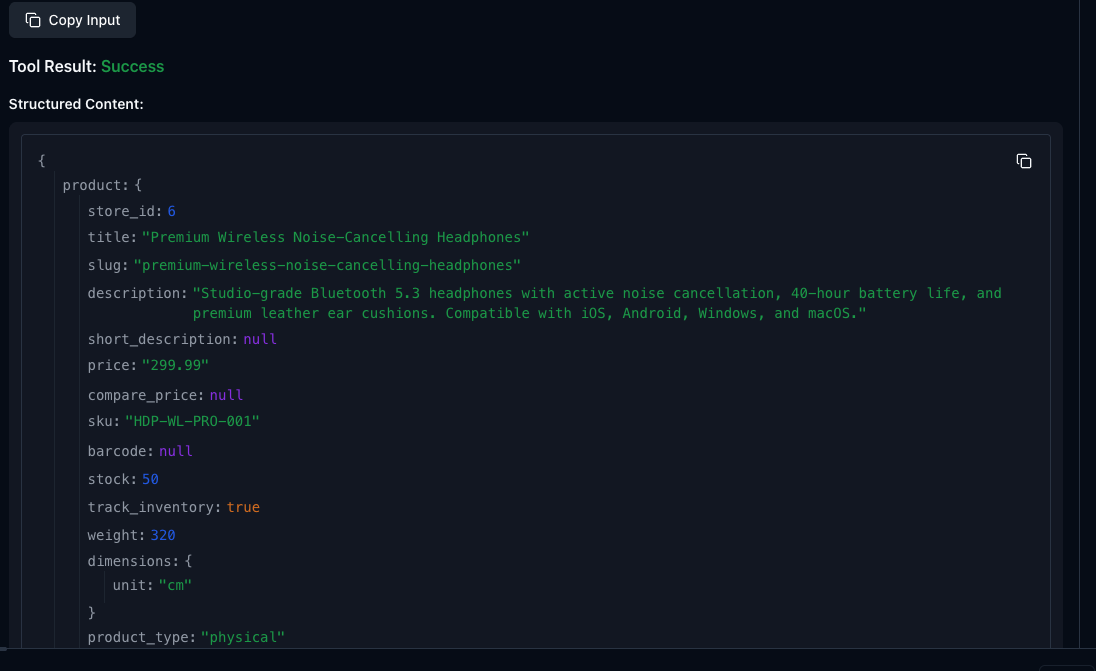
Konuşarak ürün ekleyin
"Kablosuz kulaklık ekle, 299 USD, 50 stok." Claude oluşturur, başlık, slug, SKU, stok takibi, her şey.
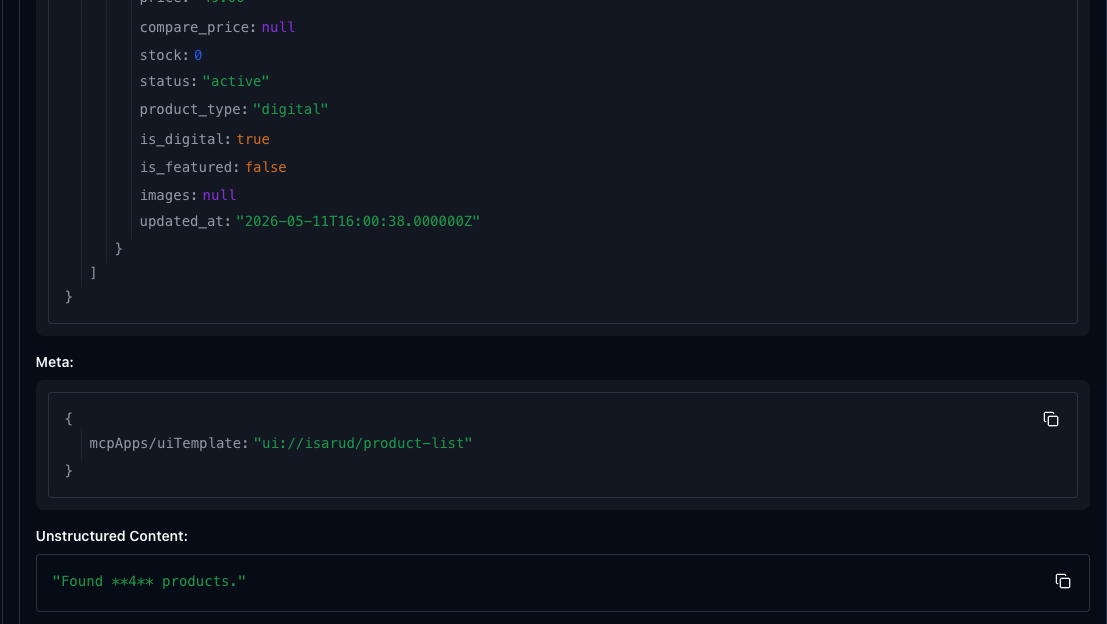
Kataloğunuzu inceleyin
"Mağazamda hangi ürünler var?" Claude listeyi fiyatlar, stok ve durumla birlikte getirir.
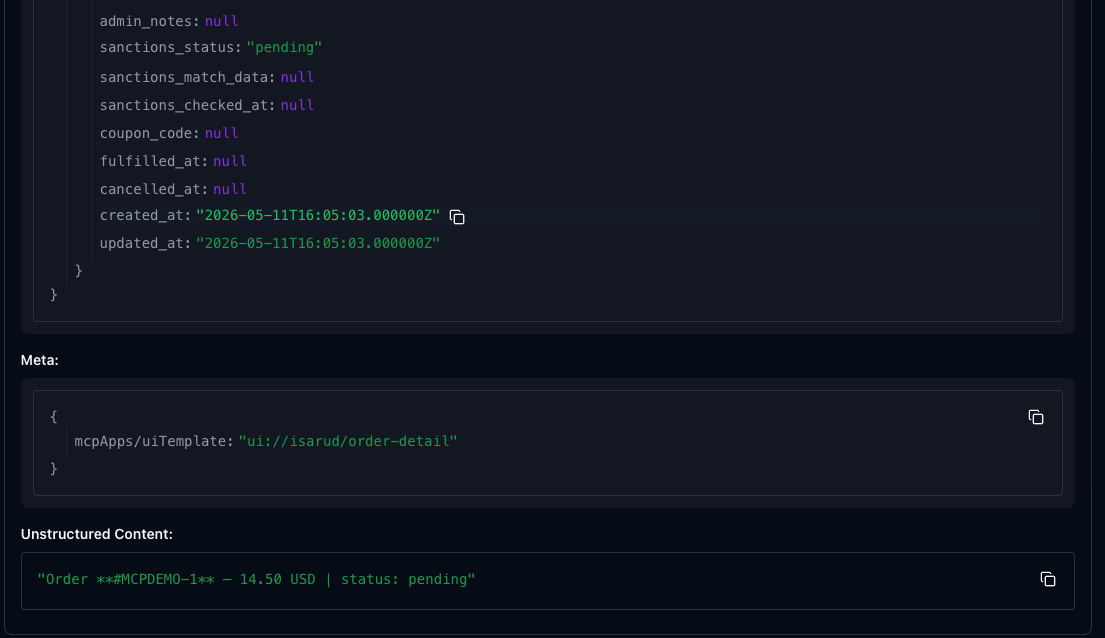
Bir siparişi kontrol edin
"1 numaralı siparişin durumu nedir?" Müşteri bilgisi, ürünler, ödeme durumu, hepsi sohbette.
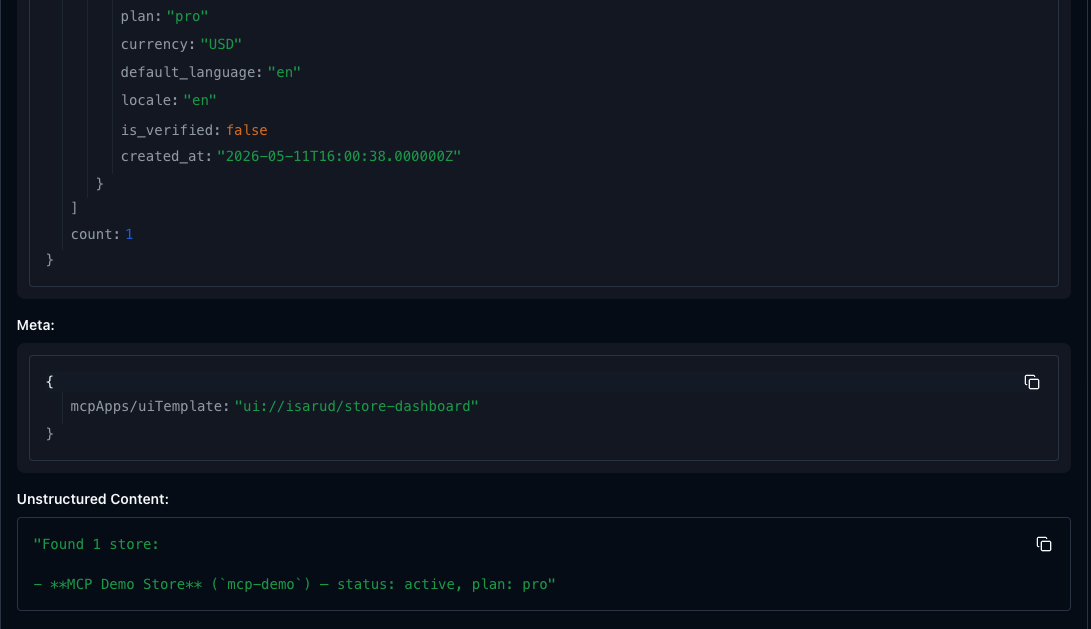
Tüm mağazalarınızı görün
"Mağazalarımı listele." Plan, para birimi, durum, herhangi bir sohbette tek bakışta.
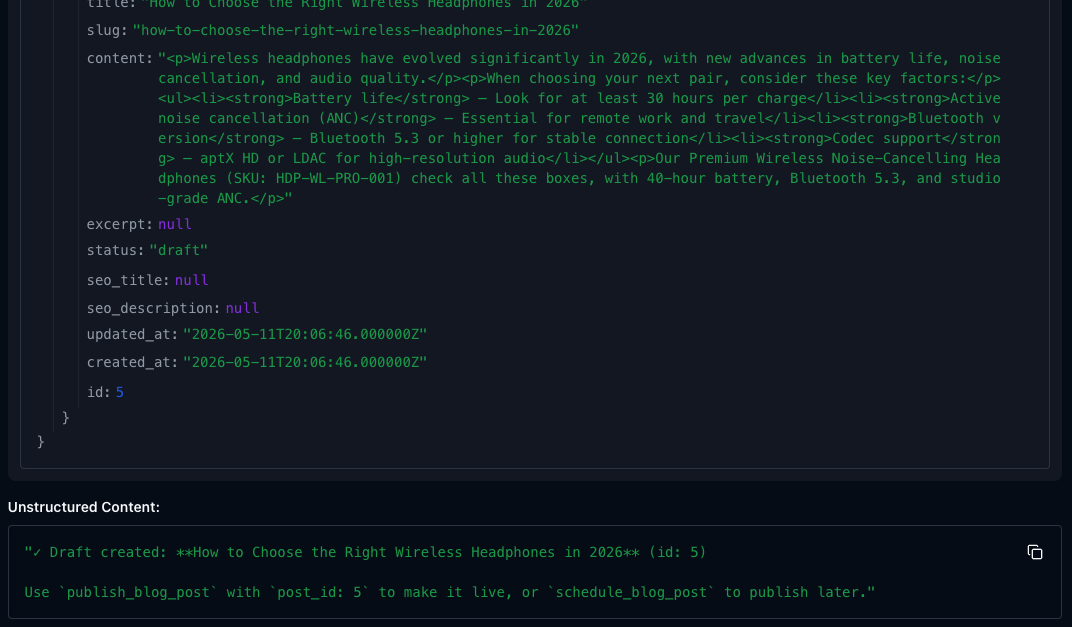
Blog yazısı yazdırın
"Kablosuz kulaklık alma rehberi blog yazısı yaz." Claude doğrudan mağazanıza taslak olarak yazar.
6 kategoride 23 araç
Mağazanızın ihtiyacı olan her şey, doğal konuşma ile.
Mağazalar
4 toolsBirden fazla mağaza oluşturun, güncelleyin ve yönetin.
Ürünler
8 toolsDijital ve fiziksel ürün ekleyin. Fiyat ve stok güncelleyin. Listeleri arşivleyin.
Siparişler
4 toolsSiparişleri görüntüleyin, kargo takip numarasıyla teslim edin, iade işleyin.
Blog
4 toolsTaslak, planlanmış ve yayımlanmış yazılar. Sohbetle SEO içeriği üretin.
Hesap
2 toolsPlan, kota kullanımı ve profil detaylarını görüntüleyin.
Yaptırım taraması
1 toolİsim ve kuruluşları OFAC, AB, BM ve İngiltere yaptırım listelerinde tarayın, yerleşik.
Etkileşimli widgetlar
Altı yerleşik UI şablonu sipariş detayları, ürün formları, yaptırım sonuçlarını doğrudan Claude içinde gösterir.
Gizlilik ve güvenlik
Standart OAuth 2.0 ve PKCE. Tokenlar Isarud hesabınıza bağlıdır ve istediğiniz zaman Claudedan veya Isarud panelinizden iptal edilebilir.
Claude yalnızca hesabınızın erişebildiği verilere ulaşır, mağazalarınız, ürünleriniz, siparişleriniz. Hesaplar arası erişim her katmanda engellenir.
Yaptırım taraması, Isarud Web ile aynı uyum altyapısını kullanır. Üçüncü taraf veri aktarımı yoktur.
Sık sorulanlar
Bu ücretsiz mi?
Claude şifremi görüyor mu?
Bağlantıyı kesebilir miyim?
Mobilde çalışır mı?
Bir araç başarısız olursa?
Mağazanızı Claudedan yönetmeye hazır mısınız?
Konnektörü bir kez ekleyin. Her sohbette kullanın, masaüstü, mobil, Claudeun çalıştığı her yerde.
Claudea ekle