Isarud is Now Available in Claude — Manage Your Store via AI Conversation
Isarud joins the Anthropic Claude Connectors Directory. Manage products, orders, blog content, and sanctions screening through any Claude chat across desktop, web, iOS, and Android.
Today we're announcing that Isarud is now available as an Anthropic Claude connector. You can manage your entire storefront — products, orders, blog content, and sanctions screening — through any conversation with Claude on desktop, mobile, or in the Claude app.
What is Claude Connectors?
Claude is Anthropic's AI assistant — the conversational AI millions of people use for writing, coding, research, and analysis. Connectors are integrations that let Claude take action on your behalf in external tools.
When you connect Isarud to Claude, you give Claude the ability to read and modify your store data on your behalf. Tell Claude "list my pending orders" or "add a new wireless headphone product" and it just works — securely, with your existing Isarud account permissions.
What you can do today
The Isarud connector exposes 23 tools across six categories. Here's what each unlocks:
Stores (4 tools): Create new storefronts, update existing ones, manage marketplace connections, and view all stores you own. Useful when you operate multiple brands or need to spin up a new shop quickly.
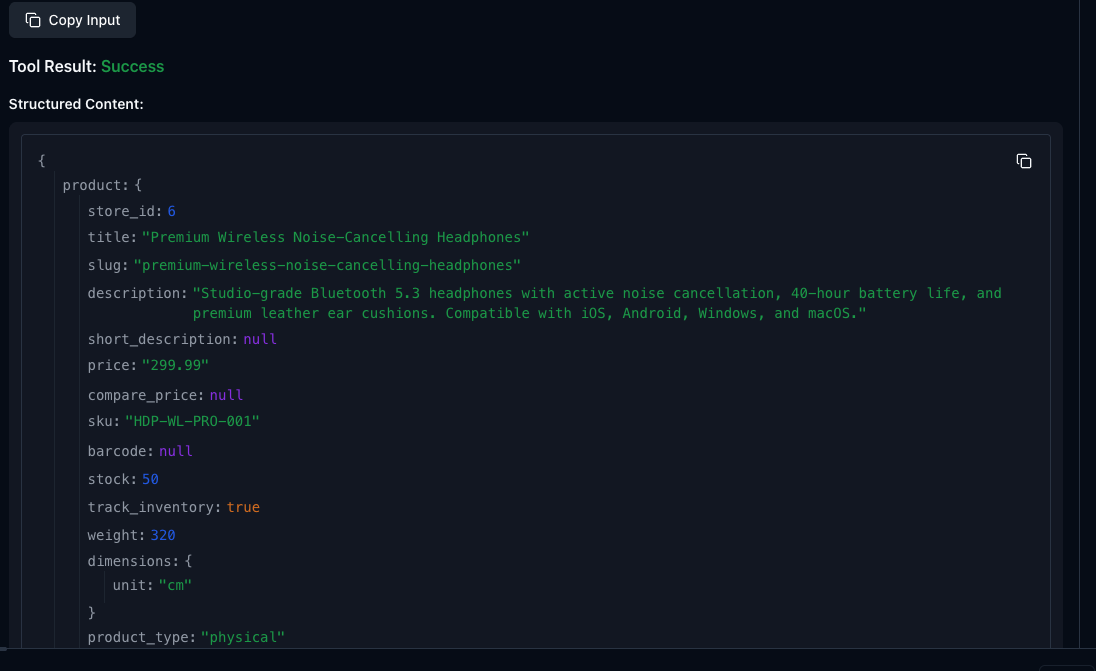
Products (8 tools): List your catalog, get specific product details, add digital downloads or physical products, update prices and inventory, soft-delete listings, and connect to marketplaces like Etsy, Trendyol, or WooCommerce. The most-used category in daily operations.
Orders (4 tools): View incoming orders, fetch full order details (including customer info and sanctions status), fulfill with tracking numbers, and process refunds. Customer-service workflows happen entirely in chat.
Blog (4 tools): Draft, schedule, publish, and list blog posts. Ask Claude to write a buying guide and it lands directly in your store as a draft.
Account (2 tools): View your plan, usage quotas, and profile details.
Sanctions (1 tool): Screen names and entities against OFAC, EU, UN, and UK sanctions lists. The signature compliance feature, now accessible via natural language.
Real workflows
Here are five everyday tasks that previously required logging into the Isarud admin panel, which now happen in a conversation:
1. Add a product mid-conversation. "Add a wireless headphone product, $299, 50 in stock, SKU HDP-WL-PRO-001." Claude creates the listing — title, slug, inventory tracking, all of it — and confirms with the new product ID. No admin panel, no form-filling.
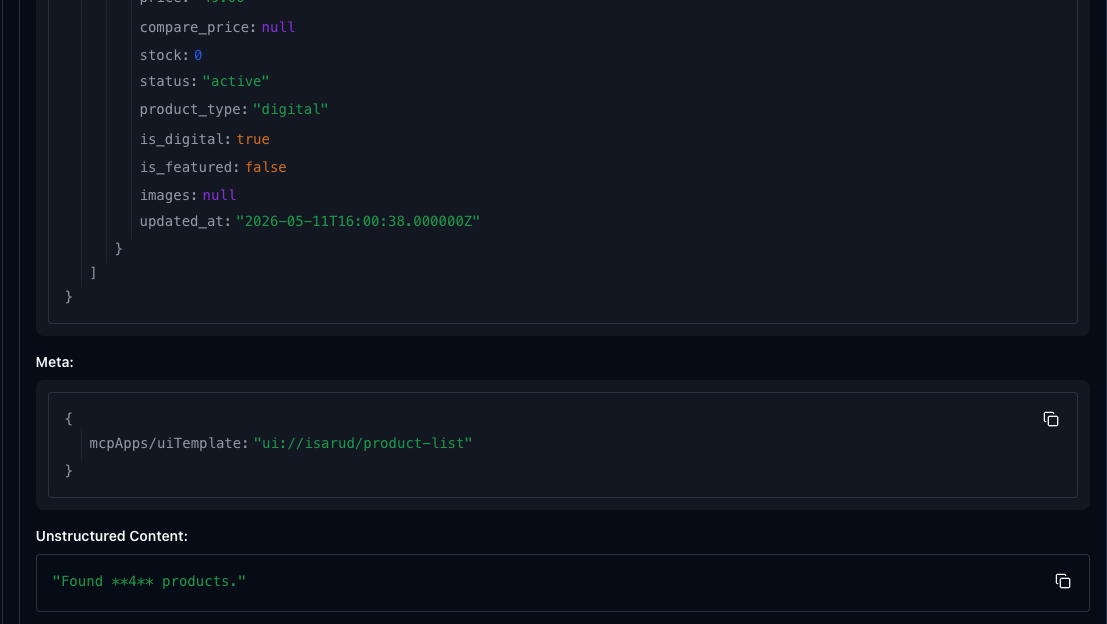
2. Review your catalog at a glance. "What products do I have in my MCP demo store?" Claude pulls the list with prices, stock, and status. Useful for quick audits or when you're away from your desk.
3. Look up an order without switching tabs. "What's the status of order MCPDEMO-1?" Claude returns customer info, line items, payment status, and (in cross-border commerce) the order's sanctions screening result.
4. See all your stores in one place. "List my stores." Plan, currency, status — at a glance, in any chat across devices.
5. Draft blog content in your store's voice. "Write a buying guide for wireless headphones." Claude drafts the post directly into Isarud as a draft, with SEO-friendly slug and proper HTML structure. You publish when ready.
How it works under the hood
The Isarud connector implements the Model Context Protocol (MCP), an open standard that lets AI assistants connect to external tools. The connector uses standard OAuth 2.0 with PKCE for authentication — you sign in to Isarud once, in a separate browser window, and Claude never sees your password.
Behind the scenes, the server is fully RFC-compliant: Dynamic Client Registration (RFC 7591), Authorization Server Metadata (RFC 8414), Protected Resource Metadata (RFC 9728), and the latest MCP specification (2025-06-18). Six interactive UI widgets render rich data — order details, product forms, sanctions verdicts — directly inside Claude's chat.
Privacy and security
Claude only accesses what your Isarud account can. If you have two stores, Claude sees those two stores — not anyone else's. Tokens are tied to your account and can be revoked any time from Claude's settings or your Isarud dashboard. Sanctions screening uses the same compliance infrastructure as Isarud's web app — no third-party data passthrough.
How to connect
Three steps in claude.ai:
1. Go to Settings → Connectors → Add custom connector.
2. Enter https://isarud.com/mcp and click Add.
3. Sign in with your Isarud account. Done.
The connector works on Claude desktop, web, and the iOS and Android apps. Once added, your Isarud tools are available in every conversation across devices.
What's next
This is just the beginning. We're working on expanded marketplace integration tools, custom workflow templates, and deeper sanctions intelligence within Claude conversations. If there's a specific workflow you'd like to see, let us know at [email protected].
For the full feature list and setup guide, see our Claude Connector documentation. To add the connector right now, head to claude.ai/settings/connectors.
Screen names against global sanctions lists
Check OFAC, EU, UN, and UK sanctions lists in seconds. Free to start.
Try Free